Before You Move Your Museum Data: A Practical Guide to Preparing for a System Transition
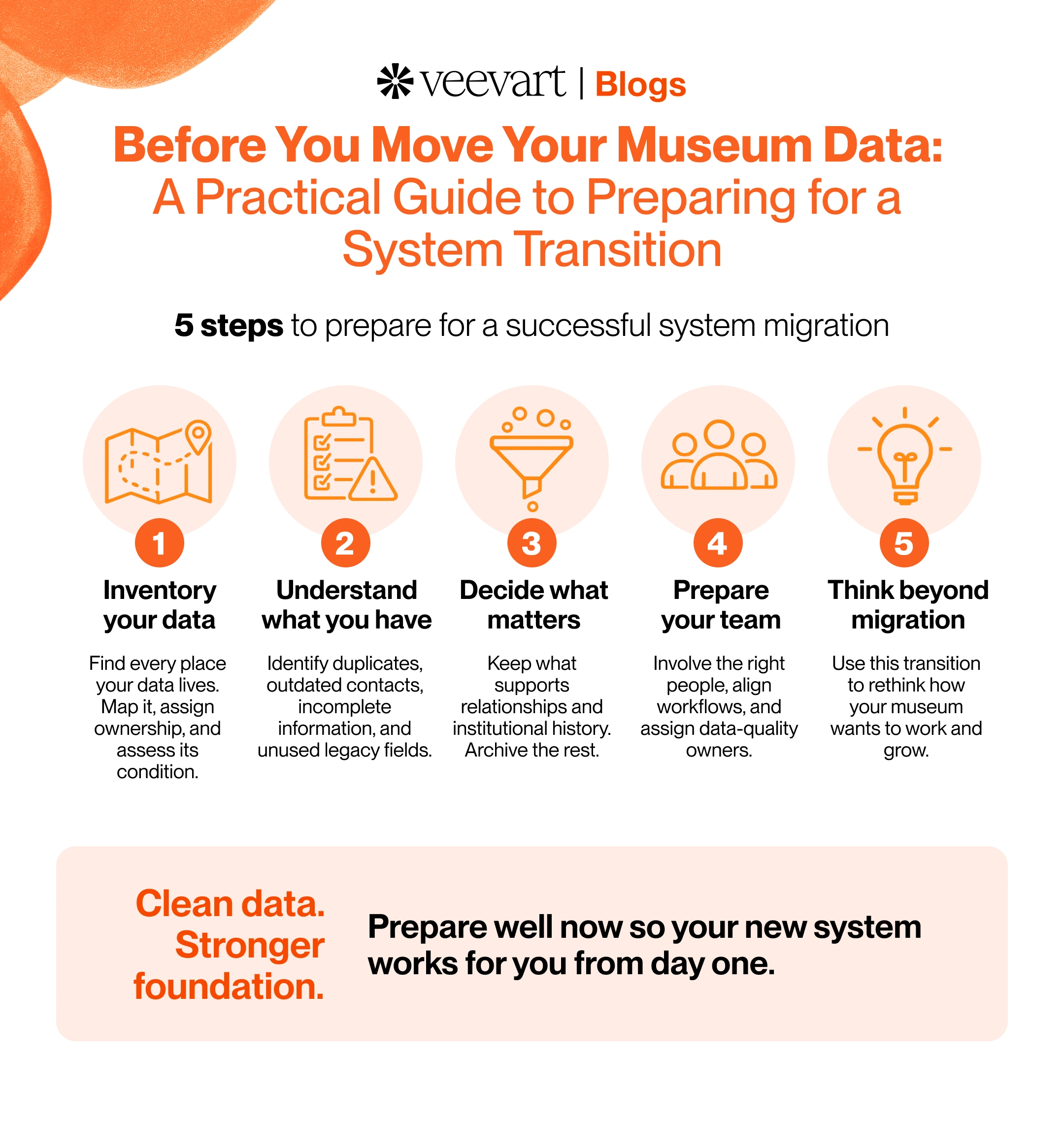
You've chosen the new system. The contract is signed, the timeline is set, and someone has asked the obvious next question: how do we get our data from the old system into the new one?
Here's the mistake almost every museum is tempted to make. They treat migration as a technical task, a matter of exporting from one place and importing into another and they push to do it as fast as possible so the real work can start.
But migration is the one moment an institution gets to decide what its data actually is. Move it blindly and you carry a decade of duplicate records, dead contacts, and fields nobody remembers creating straight into the expensive new platform you just bought. Day one, the new system is already as cluttered as the old one.
The preparation is the part worth slowing down for. This guide walks through how to do it well, before a single record moves.
Start with an Inventory: Where Does Your Data Actually Live?
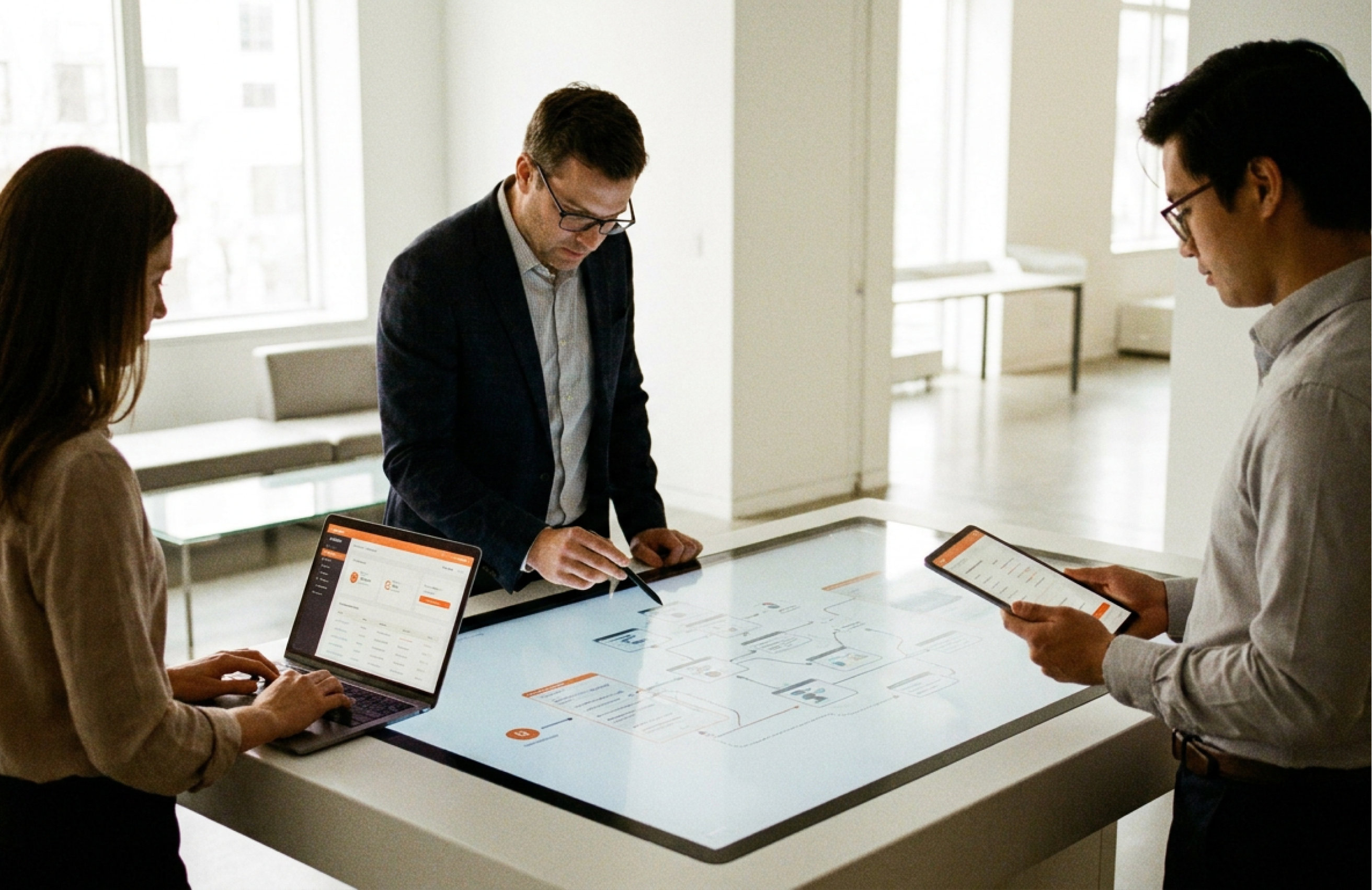
Before you can move your data, you have to find all of it. And in most museums, it lives in more places than anyone expects.
The CRM or donor database holds gifts, contacts, and often membership records
The ticketing system holds visit and purchase history, frequently disconnected from everything else
The membership database may be separate again, with its own version of the same people
Spreadsheets hold whatever the systems couldn't program rosters, event lists, board contacts, the exports someone built for a specific report and never deleted
Department-specific tools hold education registrations, volunteer records, rental bookings
Individual staff knowledge holds the rest which records to trust, which workarounds are required, what the abbreviations in a custom field actually mean
That last one matters more than it looks. Some of your most important data isn't in any system at all. It's in the head of the person who has run the database for eleven years. If they aren't part of the migration, that knowledge doesn't move with the data and once they're gone, it's gone.
The goal of this step is a complete map: every place data lives, who owns it, and what condition it's in.
Understand What You Have
Once you know where the data lives, look honestly at its condition. Most museum databases have accumulated years of clutter. Migration is when that clutter either gets cleaned or gets carried forward.
Four problems show up in almost every institution:
Duplicate records. The same person entered three times, under a maiden name, a nickname, and a misspelling each holding a fragment of their real history.
Outdated contacts. People who moved, changed emails, got married or passed away could still be sitting in the active database and skewing every count.
Incomplete information. Records missing the fields that would make them such as a useful donor with no contact method, or a member with no join date.
Legacy fields nobody uses. Custom fields created for a campaign in 2014 are still there, still empty, and still confusing everyone who opens the record.
None of this is a sign of a poorly run museum. It's what every database looks like after years of real use. The point of naming it now is simple: whatever you don't clean before migrating, you pay to move and then live with afterward.
Decide What Matters
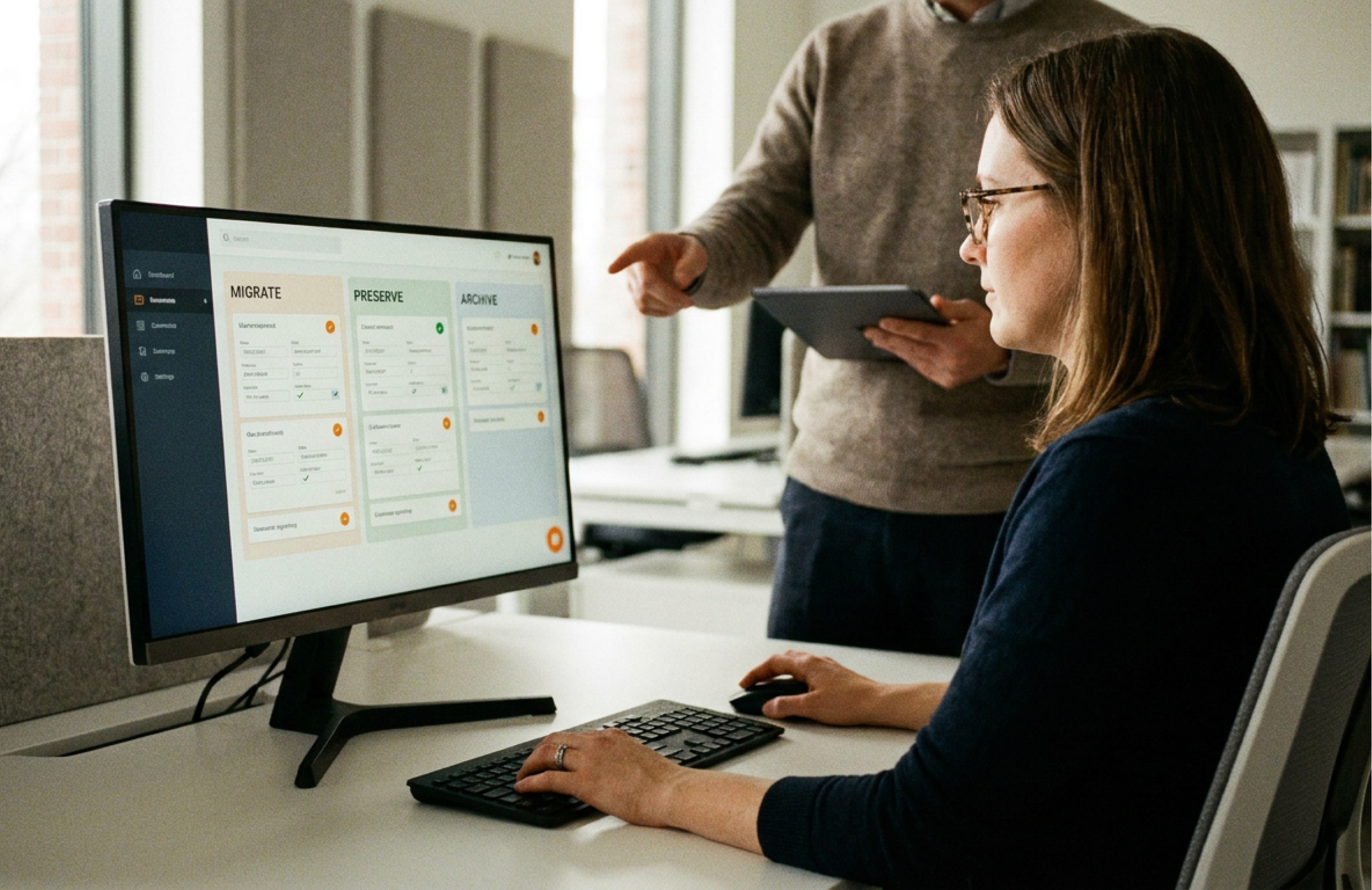
Not all data deserves to make the trip. Migration is a chance to be deliberate about what carries forward, and that requires a few honest decisions rather than a default of "move everything."
Three questions sort most of it:
What data supports relationships? The information that helps you understand and serve a constituent giving history, visit patterns, membership records, communication preferences is the core. This is what the new system exists to hold. It moves.
What historical information has institutional value? Some data isn't operationally active but matters for the record the founding donors, the major gifts that built a wing, the attendance history that shows the institution's arc. This is worth preserving, even if it isn't in daily use.
What can be archived? The rest. Data that's neither relationship-relevant nor historically meaningful doesn't need to live in the new system. Archive it somewhere accessible if you must keep it, but don't clutter the new platform with it. A clean start is worth more than a complete one.
The instinct to move everything "just in case" is the instinct to protect. But moving everything is how the new system inherits the old system's mess on the first day.
Prepare Your Team
Migration is often treated as an IT project handed to one or two people. That's a mistake, because the people who understand the data aren't usually the people moving it.
Three questions to answer before the work starts:
Who should be involved? Not just whoever is technical. The migration needs the people who understand what the data means: the membership manager who knows which records are real, the development officer who knows which donor history matters, and the education coordinator who knows how program data is structured.
Who understands the workflows? Migration isn't only about moving records; it's about making sure the new system supports how each team actually works. The people who do the daily work are the only ones who know what those workflows require. Bring them in before decisions are locked, not after.
Who will maintain data quality afterward? Clean data degrades without ownership. Before migration ends, someone in each area should own data quality going forward responsible for the standards that keep the new system from accumulating the same clutter the old one did. (This connects directly to adoption see The Museum Change Management Playbook.)
Think Beyond Migration
Here's the reframe that changes how the whole project should feel.
A system change is not just moving information from one place to another. It's the rare moment an institution gets to step back and ask how it actually wants to work. It also helps define what the museum wants to know about its visitors, how it wants its teams to share information, and what questions it should be able to answer, but can't today.
Most of the time, those questions never get asked, because the daily work doesn't leave room for them. Migration forces the pause. Use it. The institution that treats migration as an opportunity to rethink its data, rather than simply relocate it, emerges with a system that reflects how it wants to operate, not just a cleaner version of how it always has.
The data you move is the foundation the new system is built on. Prepare it well, and everything you build on top of it is stronger for it. Rush it, and you've spent real money to recreate the problem you were trying to leave behind.