Ticketing and Kiosk Updates: Turning Every Visitor Interaction into Revenue
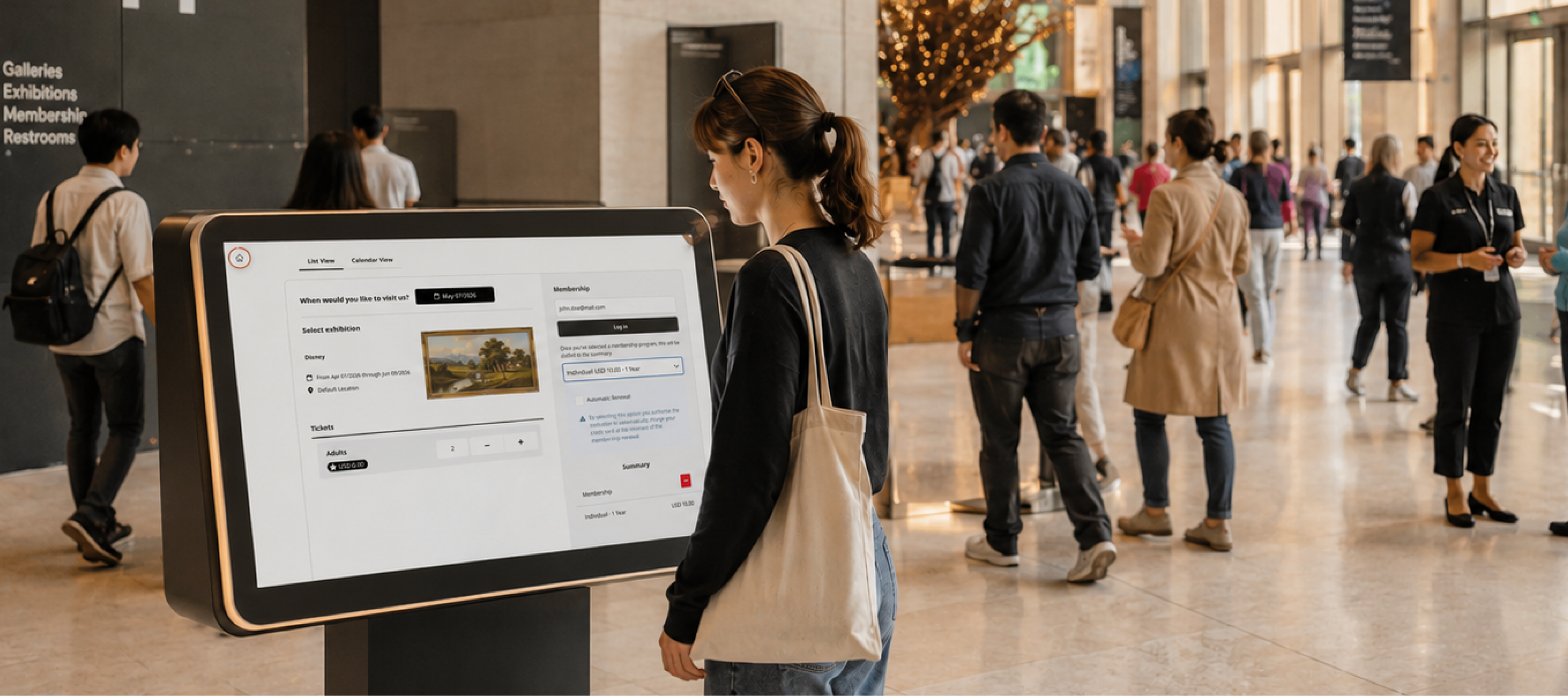
Museums don’t have a traffic problem. They have a conversion problem.
Visitors are already showing up, engaging, and purchasing. The challenge is capturing more value from those moments while reducing friction in the process.
This month's updates to Veevart focus on exactly that. From enabling retroactive membership pricing on ticket purchases to introducing a self-service kiosk experience, these features are designed to increase revenue, reduce operational strain, and improve the visitor journey.
Sell Memberships at the Moment of Interest and Apply the Savings Immediately
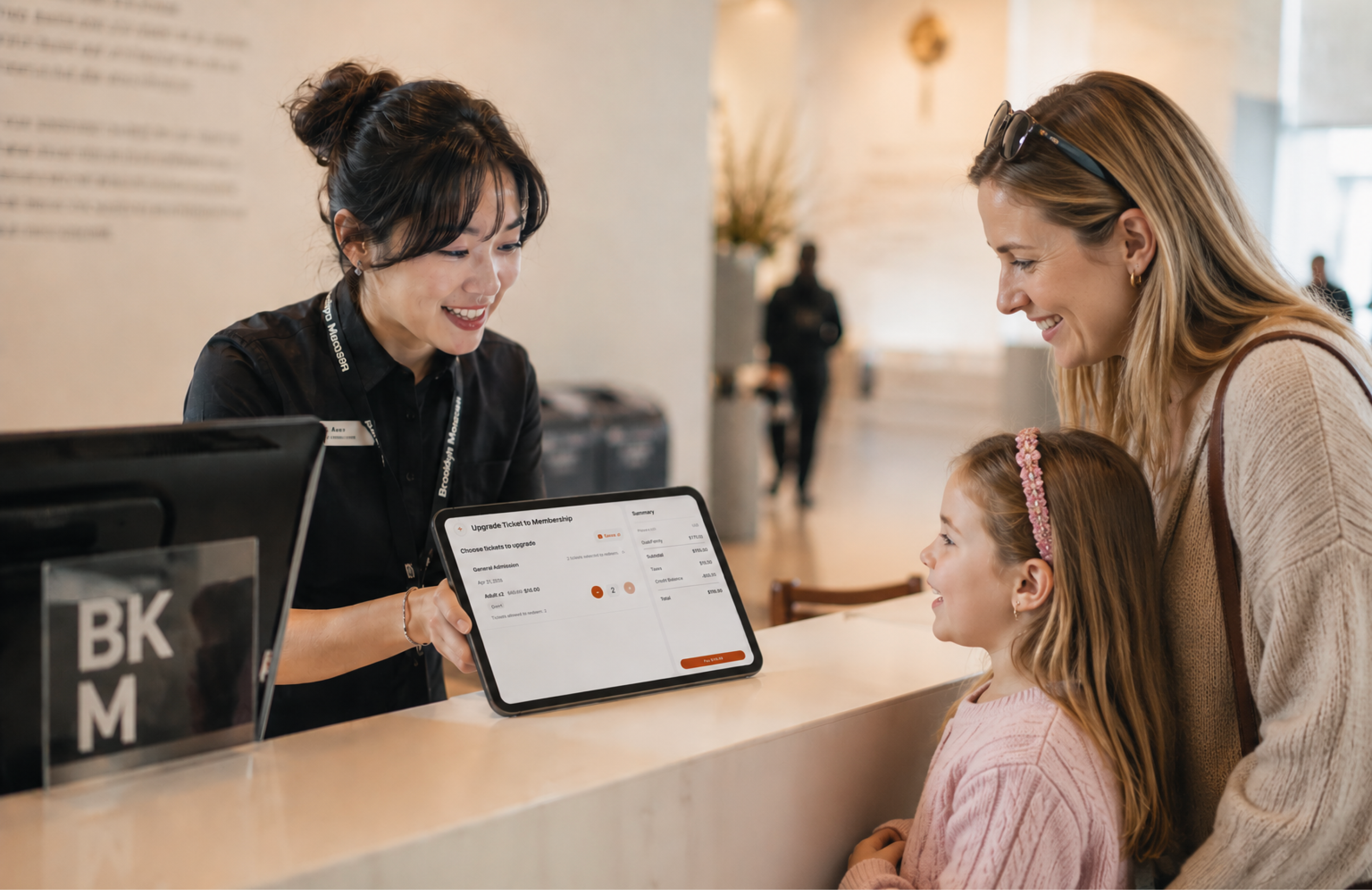
A common scenario: a visitor buys tickets in the morning, enjoys their visit, and then asks at the desk if a membership would have been a better deal.
Until now, capturing that revenue meant manual refunds, re-purchases, or letting the opportunity slip away entirely.
Now it doesn't.
With POS Mobile, staff can sell a membership and retroactively apply membership pricing to the visitor's original ticket purchase, all in a single transaction. The system automatically recalculates the price of eligible tickets, applies the appropriate credit, and collects any remaining balance for the membership.
This means:
• No manual refunds or re-transactions
The original ticket purchase stays intact. Pricing is simply adjusted based on the membership benefits.
• Instant value for the visitor
They immediately see the savings from membership pricing applied to tickets they already bought — often reducing or eliminating the net cost of the membership itself.
• More membership conversions at the point of interest
When a visitor expresses interest, staff can close the sale on the spot without friction, complexity, or requiring a manager.
It also works for existing members. If someone wants to upgrade to a higher membership tier, the system applies the value of their current membership as a credit, recalculates ticket pricing based on the new tier's benefits, and charges only the difference.
How It Works in Practice
The process is designed to be fast and intuitive for front-of-house staff:
Locate the visitor's ticket transaction
Select "Upgrade Ticket to Membership"
Choose the appropriate membership tier
Apply membership pricing to eligible tickets
Complete the transaction
The entire process takes under two minutes.
Administrators also have control over how long upgrades are allowed after purchase. Whether it's same-day only or a multi-day window, the flexibility ensures alignment with each institution's policies.
Introducing Self-Service Kiosk (Limited Beta)
Long lines are one of the most consistent friction points in museum operations. They slow down transactions, frustrate visitors, and limit how much staff can focus on meaningful engagement.
The new Self-Service Kiosk is designed to solve that.
This proof-of-concept introduces a fully branded, museum-specific kiosk experience where visitors can purchase tickets and register for courses on their own, without waiting in line.
What Makes the Kiosk Different
This is not a generic point-of-sale terminal.
The kiosk is natively connected to your existing ecosystem in Salesforce and Veevart, meaning every transaction flows directly into your data model.
Key capabilities include:
Fast transactions Visitors complete purchases in under two minutes
Zero-code setup Configure devices, branding, and modules without engineering support
Centralized management Manage all kiosks from a single admin panel
Built-in attribution Every transaction is tagged with
source = Kiosk, giving clear insight into revenue and usage
A Real-World Impact Scenario
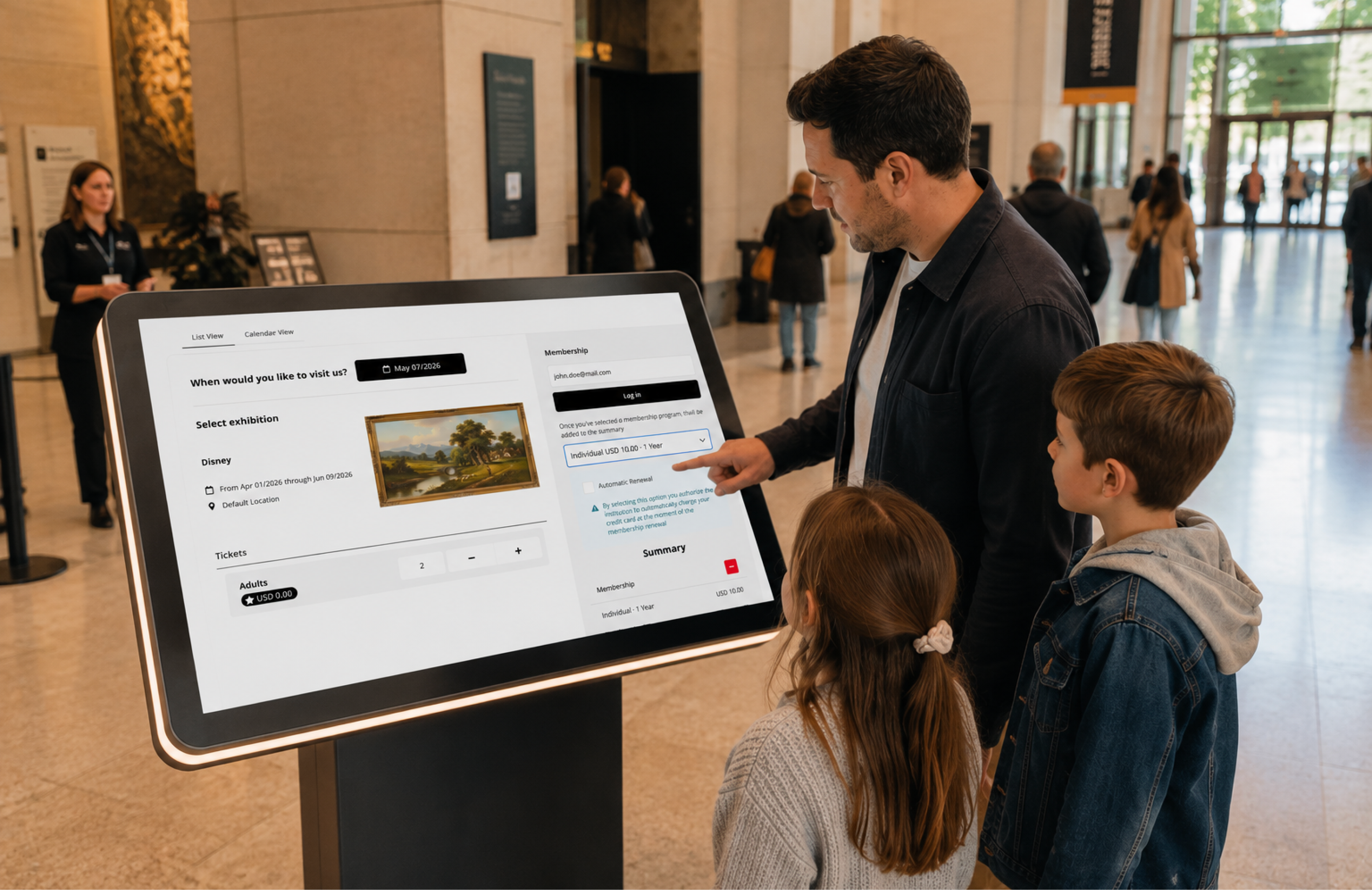
Imagine a busy weekend morning.
Instead of two staff members managing a growing line, visitors walk up to a kiosk, tap “Buy Tickets,” and complete their purchase in minutes.
Staff are no longer stuck processing simple transactions. They are free to engage, guide, and enhance the visitor experience.
At the end of the month, leadership can clearly see how much revenue came through kiosks and how it impacted overall operations.
What to Expect in This Release
Because this is an early release, the kiosk is intentionally focused and streamlined.
Current capabilities:
Ticketing and Courses supported
Full session management with inactivity handling
Device setup in ~15 minutes
Known limitations:
No receipt printing yet
Memberships and donations not available on kiosk
Logo requires a hosted image URL
Kiosks cannot be reactivated once deactivated
The feature is currently available in limited beta for Pro and Enterprise accounts.
Why These Updates Matter
Both of these features address the same core issue: removing friction from revenue-generating moments.
A ticket purchase becomes a membership opportunity
A long line becomes a self-service transaction
A simple interaction becomes measurable, attributable revenue
Veevart's museum ticketing software is purpose-built to transform every visitor interaction into a revenue opportunity. By seamlessly integrating ticketing, membership, and donor data, our platform empowers you to personalize the visitor experience, drive conversions, and maximize the lifetime value of every ticket buyer. Discover how Veevart's comprehensive ticketing solution can help you streamline operations and unlock new growth potential.
This is how museums move from transactional systems to connected ecosystems.
What’s Next
If you’re interested in enabling ticket-to-membership upgrades or participating in the kiosk beta, reach out to your Customer Success Manager or explore the Help Center for setup guidance.
The goal is simple: help museums sell more, serve better, and operate smarter without adding complexity.