Why Reporting Is the Most Overlooked Feature in Ticketing Software
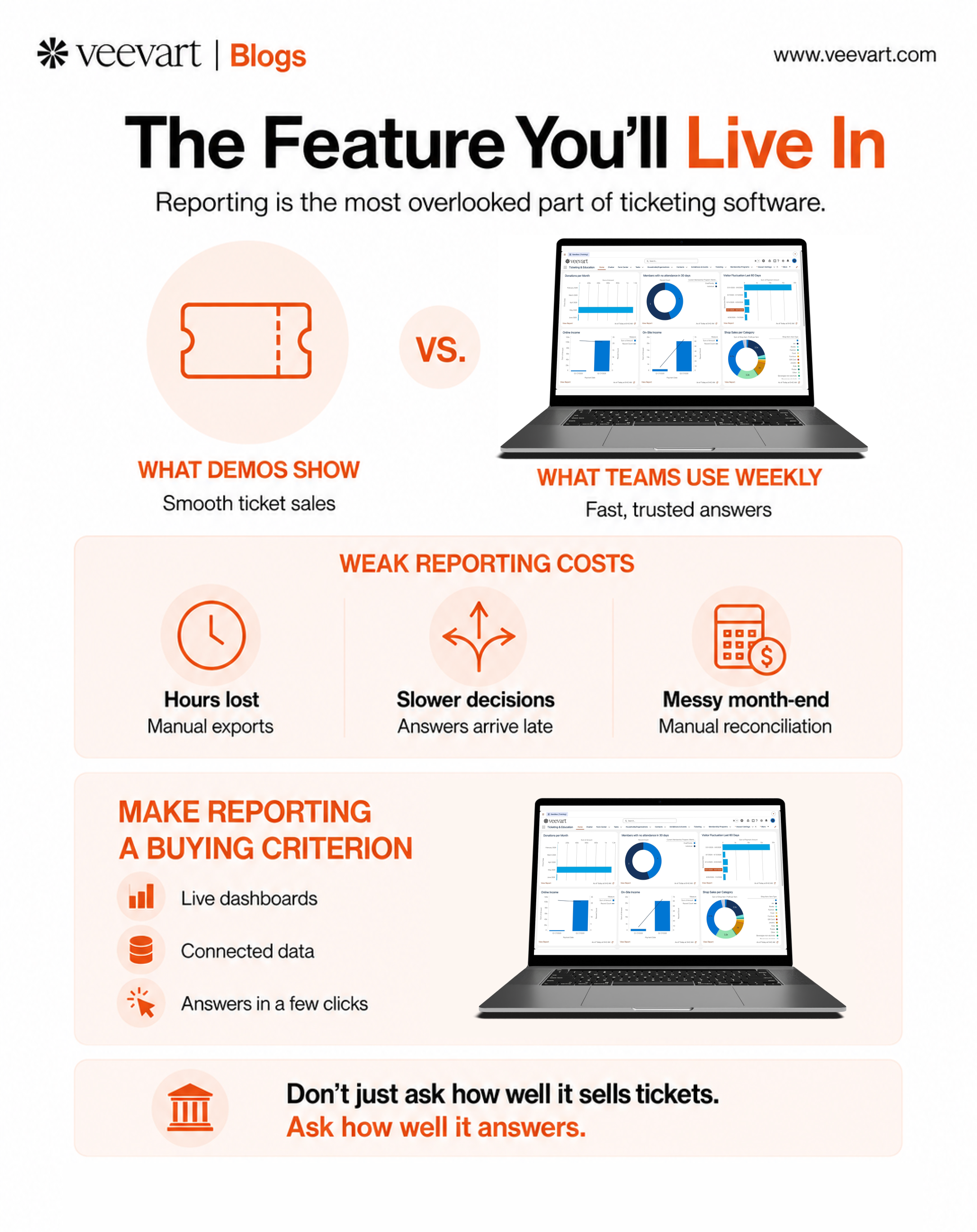
When a museum evaluates ticketing software, it watches the sale.
The demo shows a smooth checkout, member pricing applied cleanly, a timed-entry slot booked in seconds. The evaluation focuses on the transaction, because the transaction is what everyone pictures when they think about ticketing software. Does it sell tickets well? It does. Decision made.
Almost nobody clicks the reporting tab.
And that's the problem. Because once the system is live, selling tickets becomes the part that just works quietly in the background. The part your team touches constantly, the part that eats hours, shapes decisions, and generates the most frustration, is reporting. The feature nobody evaluated turns out to be the one they use most.

This is the quiet miscalculation at the center of most ticketing software purchases. The buying decision weighs the ten minutes of setup and the smooth sale. The daily reality is defined by the feature that got skipped.
Why Reporting Gets Skipped in the Evaluation
It's not that buyers don't care about reporting. It's that reporting is nearly invisible during the moment when the decision gets made.
Three things push it out of view:
Demos are built around the sale. A vendor showcases the impressive, visual, easy-to-follow parts, such as the checkout and the dashboard's prettiest chart. Reporting, especially the messy work of pulling a real answer to a real question, doesn't demo well, so it rarely gets shown in depth.
Reporting needs are hard to picture in advance. Before you're running the system, you don't yet know which reports you'll need weekly, which questions leadership will ask, or which numbers finance will demand at month-end. The need is real, but it's abstract until you're in it.
The sale is urgent and reporting feels like later. Getting tickets sold is the immediate, concrete goal. Reporting feels like something you'll figure out once the system is running. So it drops down the priority list during evaluation and never gets tested.
The result is a purchase optimized for the first week and neglectful for the next three years.
What Weak Reporting Actually Costs

A ticketing system with poor reporting doesn't announce the problem on day one. It reveals itself gradually, in the accumulating friction of trying to get answers out of it.
The weekly numbers take longer than they should. Every report that requires exporting to a spreadsheet and reformatting is time your team spends assembling data instead of using it. Across a year, that's a substantial and entirely avoidable cost.
Leadership waits for answers. When a director asks a straightforward question, such as attendance by segment, revenue by exhibition, or member versus non-member split, a weak reporting engine turns a two-minute answer into a next-week deliverable. Decisions slow to the speed of the reporting.
Finance inherits the gap. Month-end becomes an exercise in extracting numbers the system won't produce cleanly and reconciling them by hand. The reporting weakness lands hardest on the people accountable for the financials. (This connects to a broader problem, see : The Hidden Complexity of Museum Financial Reconciliation.)
The questions get smaller. The subtlest cost. When reporting is painful, people stop asking for anything beyond the essentials. The analysis that would sharpen a campaign or catch a trend never gets requested, because the effort isn't worth it. The institution quietly narrows what it expects to know.
For a fuller treatment of how fragmented reporting slows decisions across an institution, (LINK: The Reporting Problem Most Museums Don't Realize They Have.) goes deeper on the systemic version of this problem. This piece is about a narrower point: that the weakness usually traces back to a feature nobody examined before buying.
Good Reporting Is a Buying Criterion, Not a Bonus

The fix isn't to work harder at reporting after the fact. It's to treat reporting as a first-class evaluation criterion, weighted like the sale flow rather than checked off as an afterthought.
That means bringing specific questions to the demo:
- Can I pull attendance by segment, by date range, and by exhibition without exporting to a spreadsheet?
- Can I see member versus non-member behavior in a few clicks?
- Can leadership get a live dashboard, or does every number require a staff member to produce it?
- Does the reporting draw on ticketing data alone, or on the full picture including membership and donations?
That last question is the one that separates a ticketing tool from a museum platform. Reporting is only as good as the data it can reach. A ticketing system that reports on ticketing tells you how many people came. A unified system that reports across ticketing, membership, and donations tells you who they were and what the visit was worth to the institution over time. (See: Ticketing vs CRM: Why Museums Can't Afford to Keep Them Separate.)
The Feature You'll Live In
Here's the reframe worth carrying into any software evaluation. The sale is the feature you'll set up once. Reporting is the feature you'll live in.
Every week, someone on your team will ask the system a question. How that experience feels, whether fast and trustworthy or slow and manual, is determined not by how well the software sells a ticket, but by how well it answers. That's the feature that shapes the daily reality of the people who use it, and it's the one most likely to be missing from the evaluation entirely.
Click the reporting tab. Ask the hard questions. Make the system prove it can answer them before you buy, because you'll be asking those questions every week for years.
Veevart's reporting draws on your full picture, including ticketing, membership, fundraising, and programs in one system, so the answers your team needs are a query, not a project. See what reporting looks like when the data is already connected